A Refreshing Change for the University of Essex
Project Summary
Challenges
- More sustainable offering.
- Premium coffee experience.
- New coffee machine and shop fit-out.
Solutions
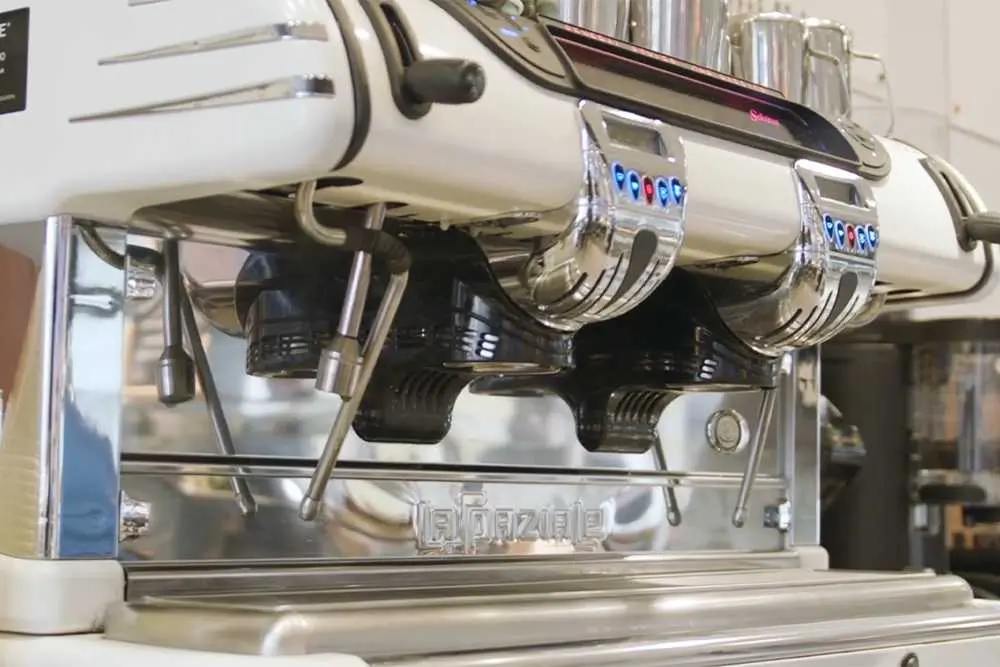
- Supply & install La Spaziale S40 Selectron.
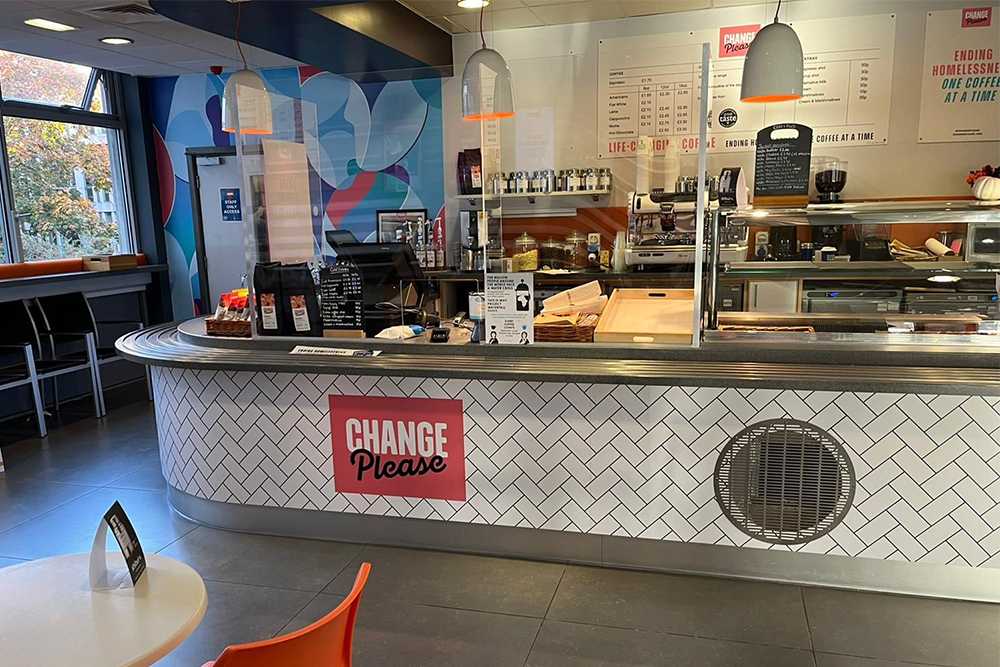
- Coffee shop design & fit-out.
- Ongoing supply of Change Please coffee beans.
Results
- New award-winning coffee offering.
- Improved CSR by giving back to charity.
- Happy students and staff!

Life-Changing Coffee
Change Please is a social enterprise that supports people experiencing homelessness by retraining them as baristas, providing living wage employment in their coffee outlets, and offering support with housing, finances and mental health.
Change Please started with a single coffee cart in Covent Garden, but is now rolling out nationwide through their acquisition of AMT coffee and via their partnership with Liquildine.
With 85% of the Barista trainees Change Please support going on to find further employment, there’s every chance that they could succeed in their mission to eliminate homelessness in the UK.
Introducing Zest Fresh
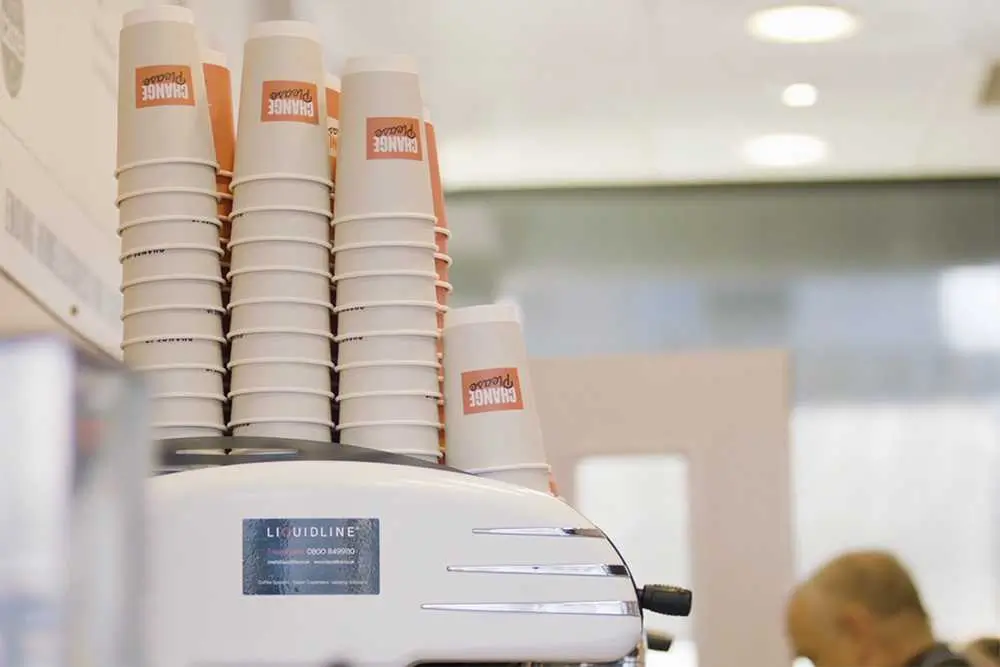
The Zest Fresh project involved the development of a new coffee shop concept, all centred around promoting the fantastic Change Please cause and their award-winning coffee. Working closely with the team at Change Please to ensure brand continuity, Liquidline has designed a vibrant, uplifting and modern coffee shop with a super-stylish white La Spaziale S40 Selectron traditional coffee machine. We have even worked with the University’s marketing team to develop a suite of digital assets to help them promote the new coffee offering.
La Spaziale S40 Selectron
The cool retro aesthetic of the La Spaziale S40 Selectron sits perfectly within the design of the new cafe. With 2 group heads this machine is ideal for a busy service, allowing two baristas to prepare delicious coffee in tandem. This traditional espresso machine is loaded with advanced features, such as thermal control to within 0.5 degrees, digital pressure sensors and La Spaziale’s unique STEAM heat exchange system. The cool retro style aesthetics also sit perfectly within the design of the new cafe.
Change Please Adventurous
To complement the sophisticated La Spaziale coffee machine, the catering team at the University of Essex has chosen Change Please’s Adventurous coffee beans. The 100% Arabica blend is crafted from the very best coffee beans from Costa Rica, Guatemala, Sumatra, East Africa. With a light acidity and enough body and depth to cut through milk, the Adventurous blend provided perfectly balanced espresso for speciality coffee drinks.