
Knowledge Hub

The UK’s Cosiest Towns and Villages
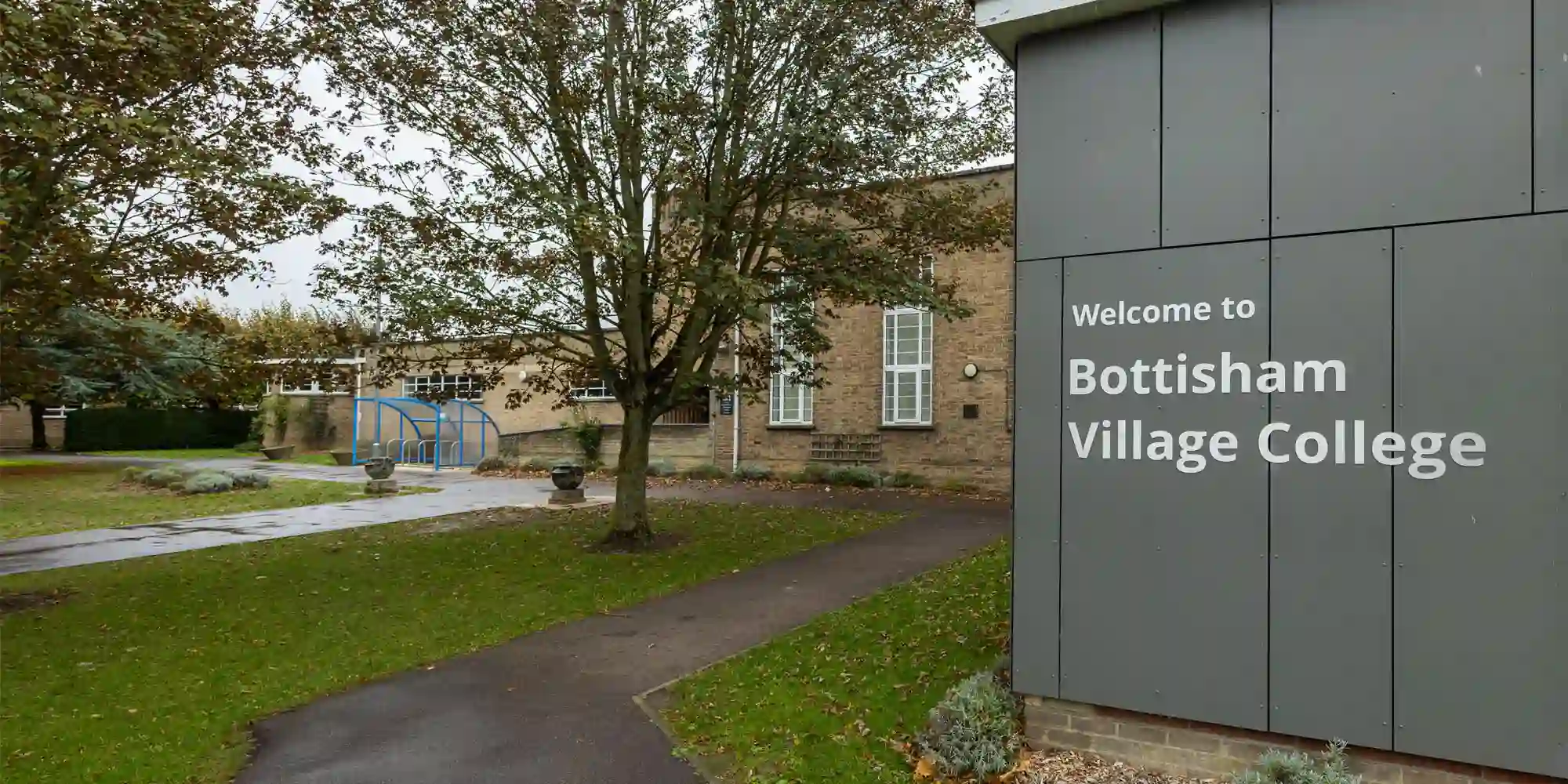
Standardising Refreshment Solutions for Impact Food Group

Delivering Consistency at Sea for Irish Ferries

Helping Perrywood Garden Centre Grow Its Café Experience

We Are One of the UK’s Best Workplaces for Women
Delivering a Tailored Refreshment Experience Across Every Floor
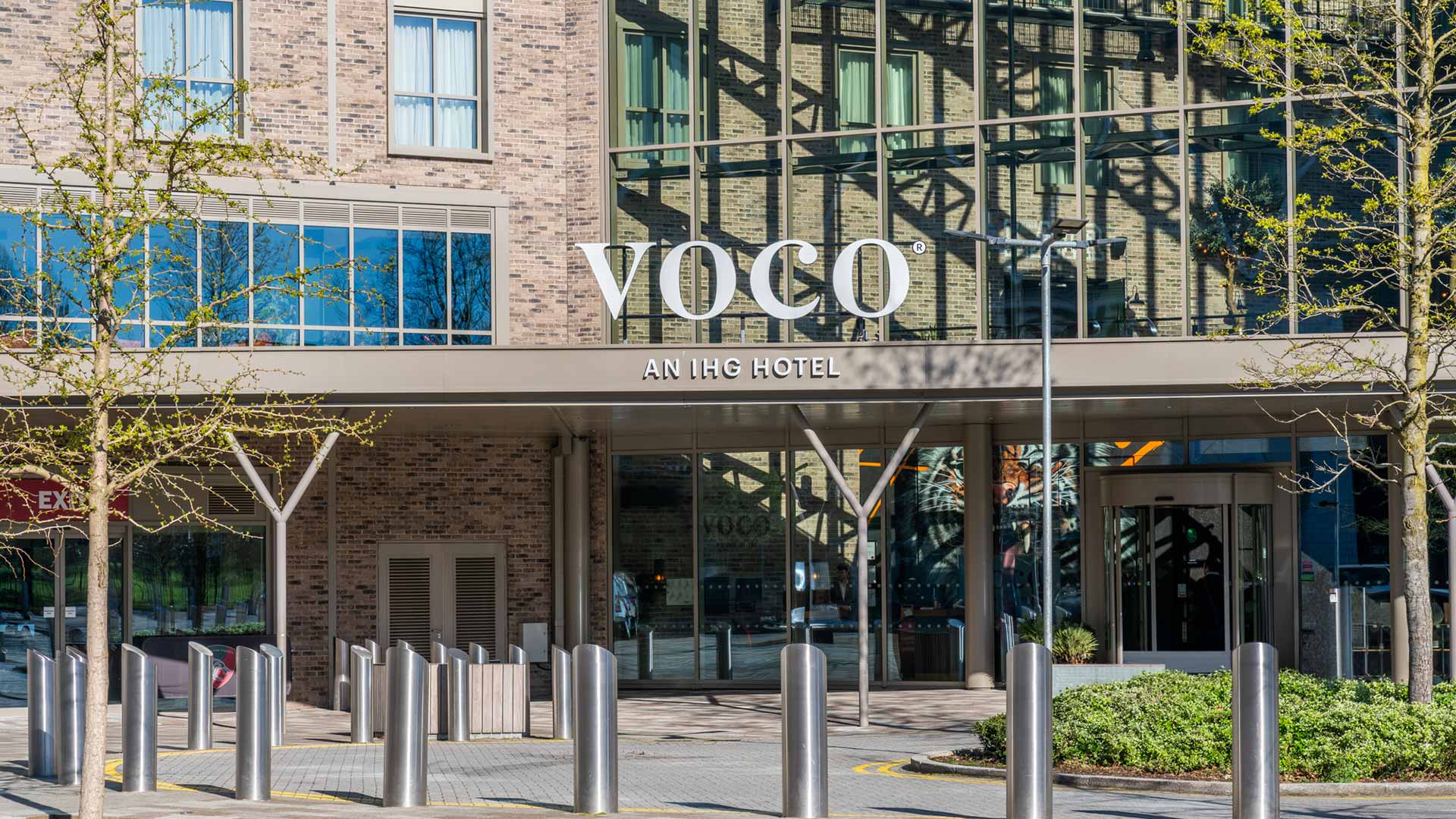
Offering Premium Coffee from Check-In to Check-Out
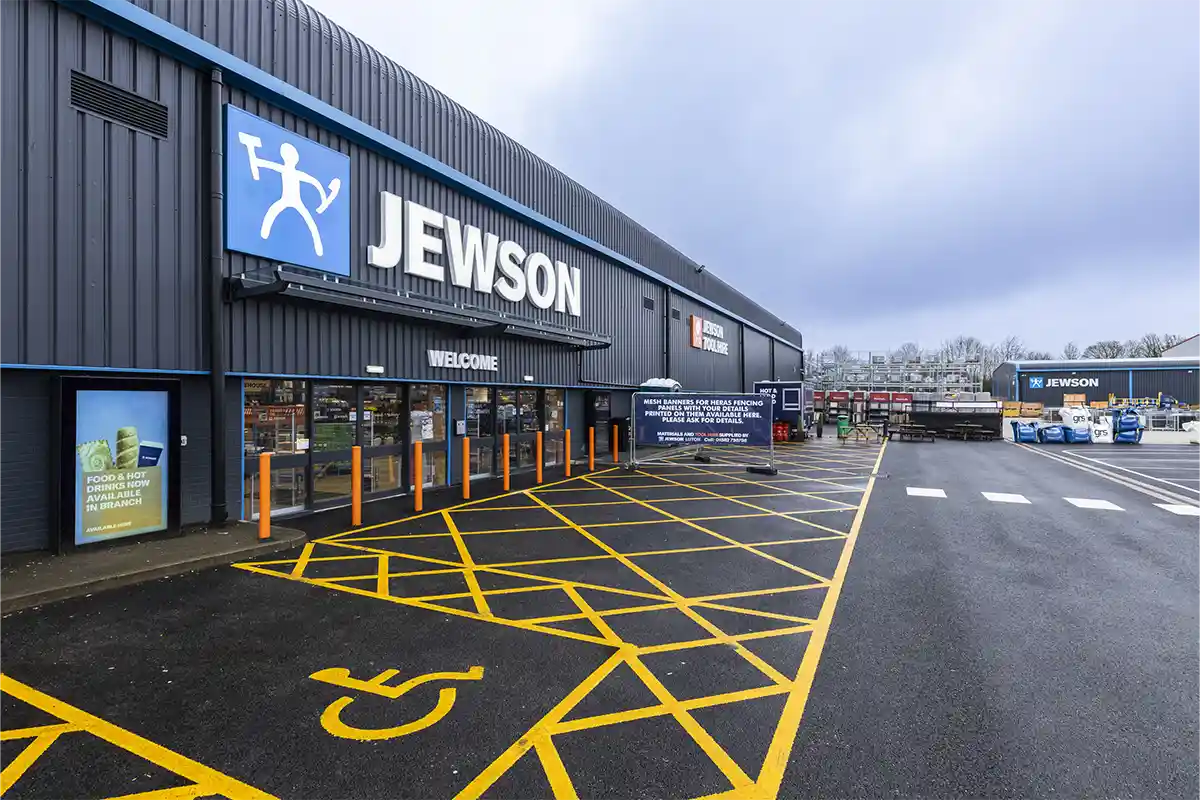
Delivering a Consistent, High-Quality Refreshment Experience
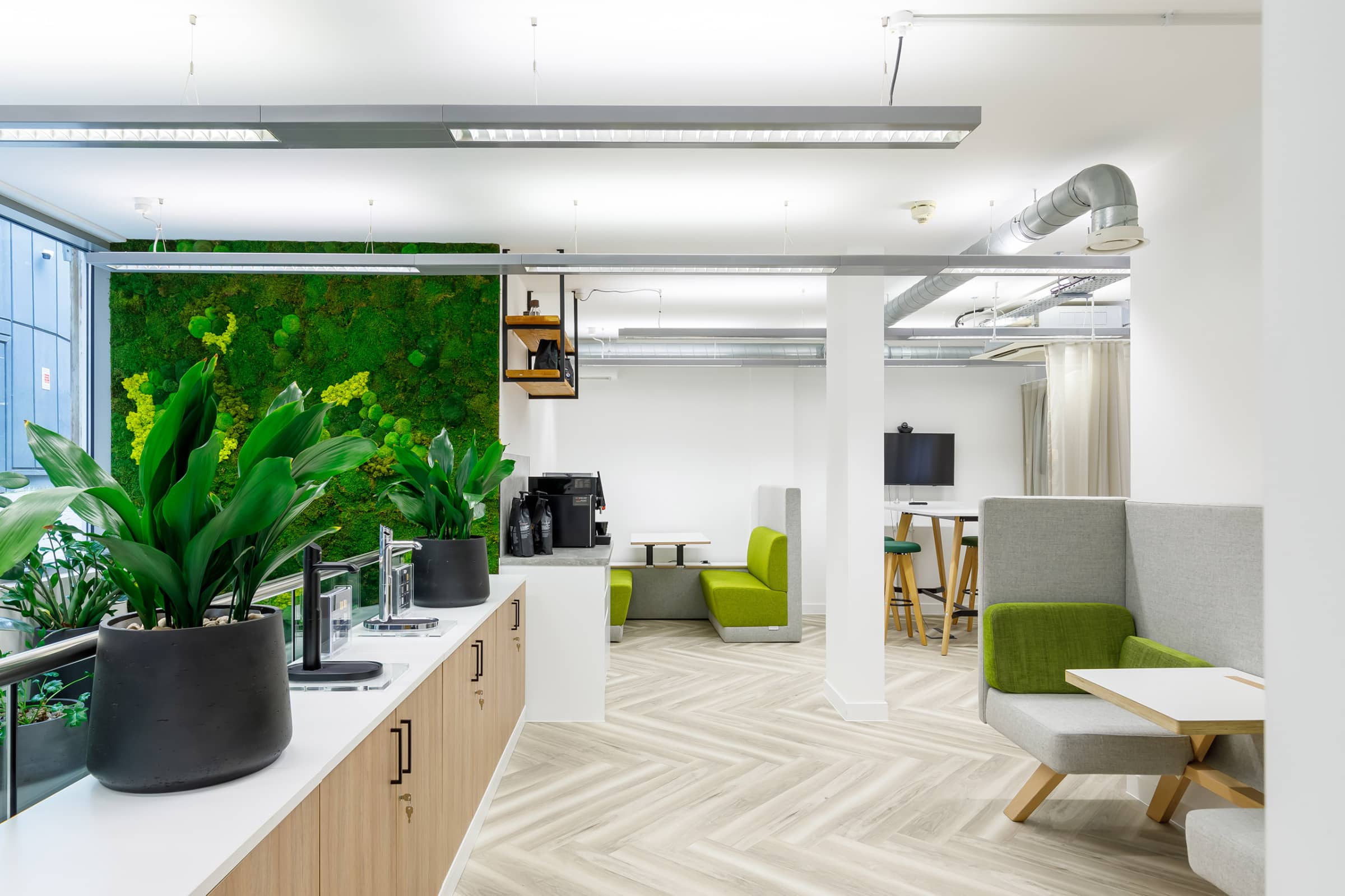
How to Provide Coffee, Tea, Water & Juice in Workplaces
I’ve added a colleague to ‘My Account’, but they haven’t received their email. What should we do?
Occasionally, emails can be delayed or filtered incorrectly, so make sure to check the spam folder. If your colleague still doesn’t have anything, please ask them to contact CustomerService@liquidline.co.uk or call 0800 849 9110. Our team will send them a temporary password along with clear instructions on how to log in and reset it securely.
Can I forward the ‘My Account’ email I received to someone else in the business so they can order?
No, each portal invitation is unique and linked to a single email address, so it can’t be forwarded.
If you’d like to change the Portal Administrator or give someone else ordering access, contact our Customer Service team using the details above. Once updated, the new contact will receive their own welcome email with instructions on how to access My Account.
How do I enable ‘My Account’ access to other employees?
Go to Settings > Contacts > Enable/Disable all contacts or add a new contact.