Smarter Refreshment Management with My Account
Take control of your workplace coffee, consumables and equipment with Liquidline’s My Account. From placing orders to tracking service calls, everything you need is just a few clicks away.
One Dashboard
Total Control
Whether you’re managing a single site or multiple locations, My Account puts you in command. With powerful tools designed to save time and reduce admin, you can run your workplace refreshments setup more smoothly, all from one central, secure hub.


Easy Dashboard Access
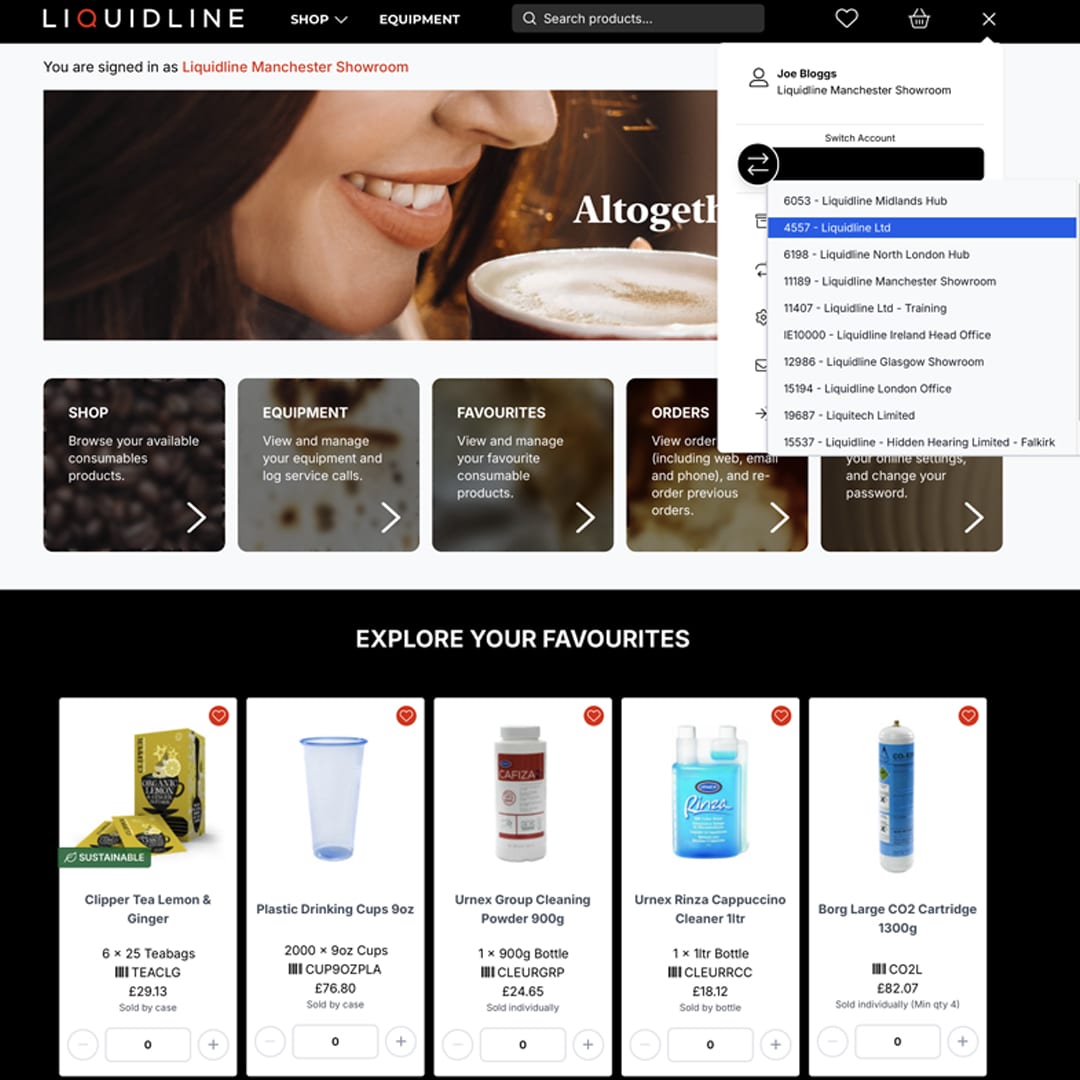
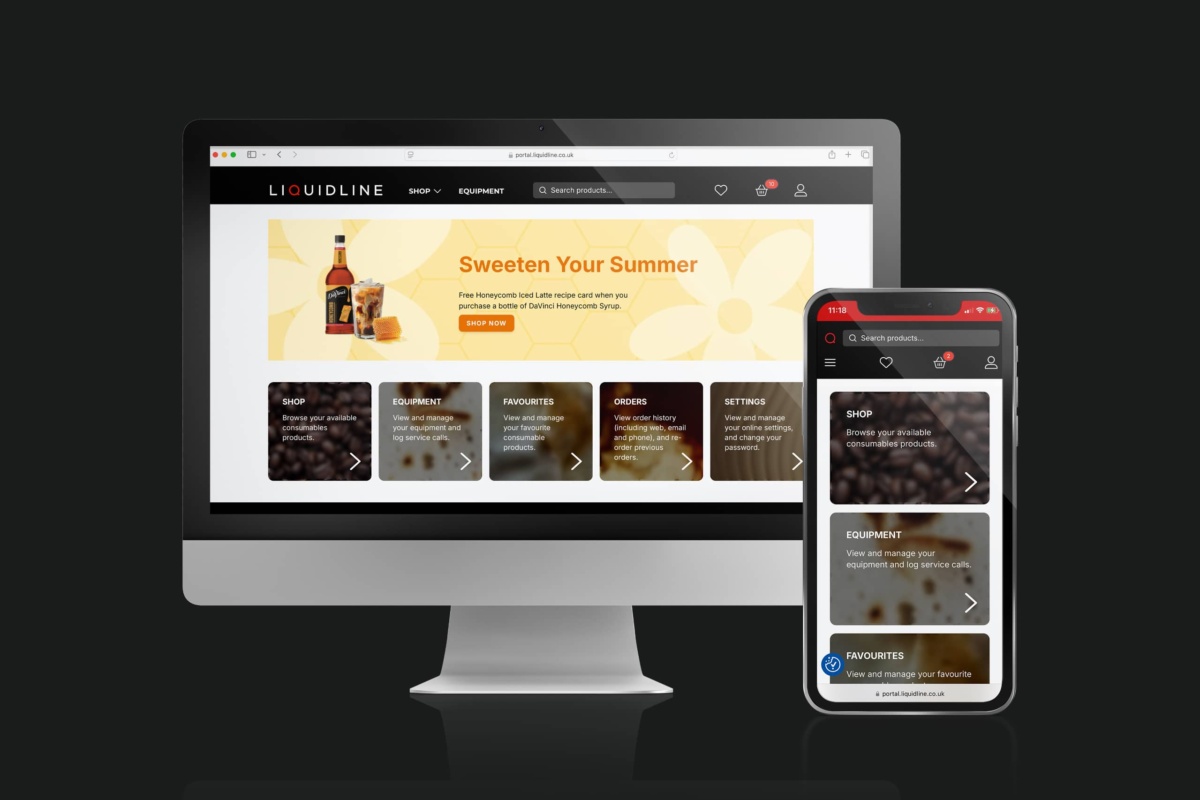
Your personalised My Account dashboard brings everything together. View your orders, equipment, service calls and user permissions in one space, all accessible 24/7.

Streamlined Ordering
Placing orders is quick and frustration-free. Browse your favourite items, pay securely by card and reorder essentials in just a few clicks, refreshment management made simple.
Save Time & Increase Efficiency
Set up subscriptions, track deliveries in real time and automate routine tasks. With My Account doing the admin, you can focus on running your business.
Smart Ordering, Every time
Managing your refreshment stock no longer needs to eat up your day. With My Account, you can pay securely by card at checkout and even save your payment details for faster future orders. Past purchases, whether made online, by phone or by email, are stored in one place for easy reference, reordering and reporting.
Need to know when your next delivery arrives? Real-time tracking keeps you updated every step of the way.

Total Visibility, Effortless Support
Stay on top of your machines with full access to equipment details, serial numbers and servicing history, all in one place. Should something go wrong, reporting a fault takes seconds and instantly alerts our Technical Support team.
You can also track service progress, view engineer visit windows and book routine maintenance like PSSR tests, all from within your account. It’s professional-grade support without the paperwork.
One Login, Zero Hassle
If your business operates across multiple sites, My Account makes it easy to stay in control. You can add or remove users, manage permissions and switch between locations with a single login.
Each branch gets the flexibility to manage its own orders and machines, while head office retains oversight of spend, consistency and compliance, ensuring every site delivers the same high standard of service.

Setting up Subscriptions
Never run out of essentials again and automate your regular orders!
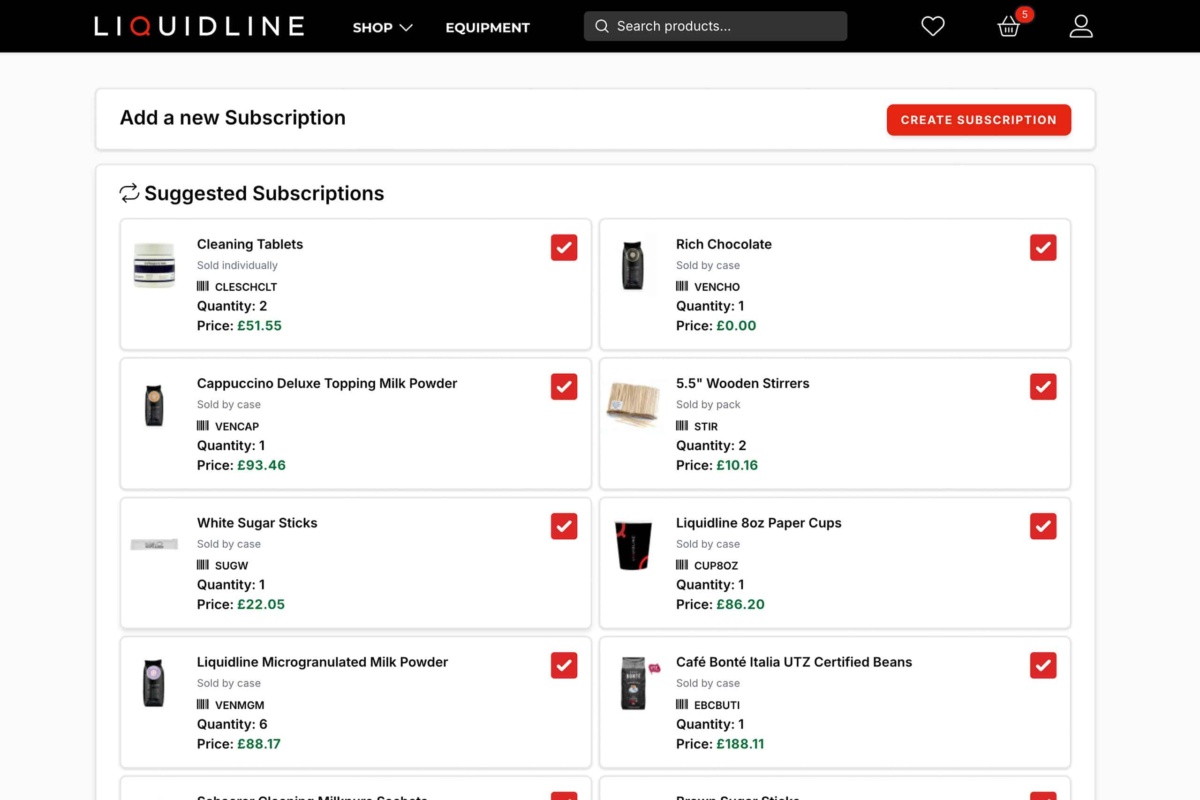
Set up recurring deliveries for your must-have items, coffee beans, tea, cups, syrups and more. Easily control quantities, customise frequency and make changes anytime you want.
Enjoy smart ordering, without
the guesswork:
- Save time and admin
- Avoid stock shortages
- Maintain predictable spend

Ready to Start Using My Account?
Join the thousands of UK businesses already benefiting from easier ordering, better control and faster support by signing up for the Liquidline My Account today.
Popular Products
Explore some of the most-loved consumables available online through My Account.
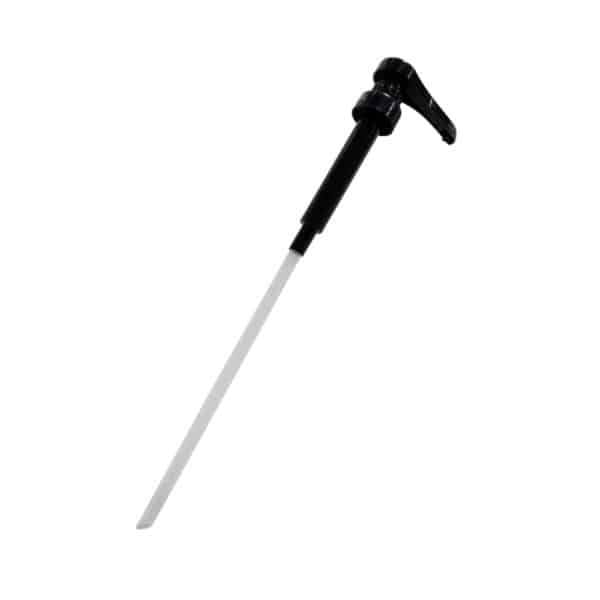
Liquidline Syrup Pump
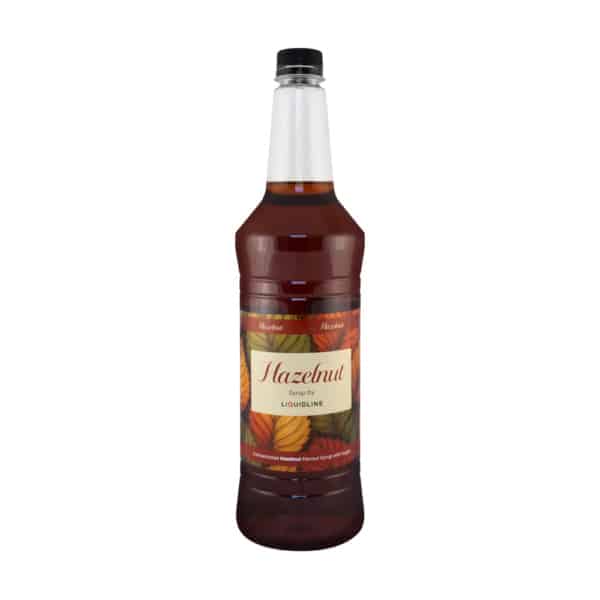
Liquidline Hazelnut Coffee Syrup
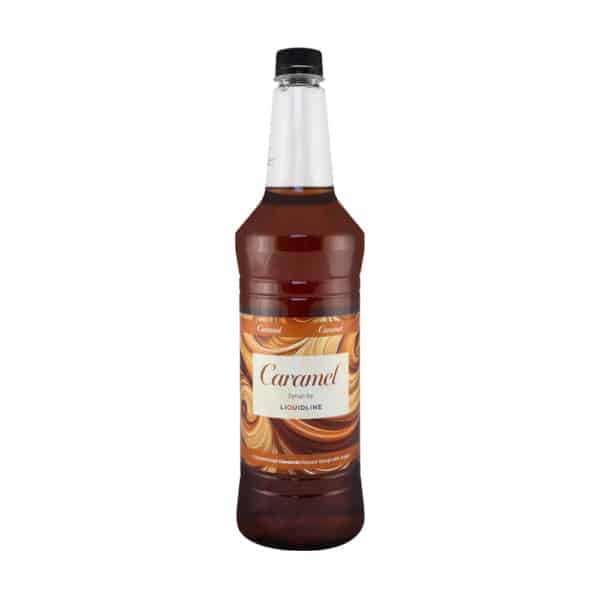
Liquidline Caramel Coffee Syrup
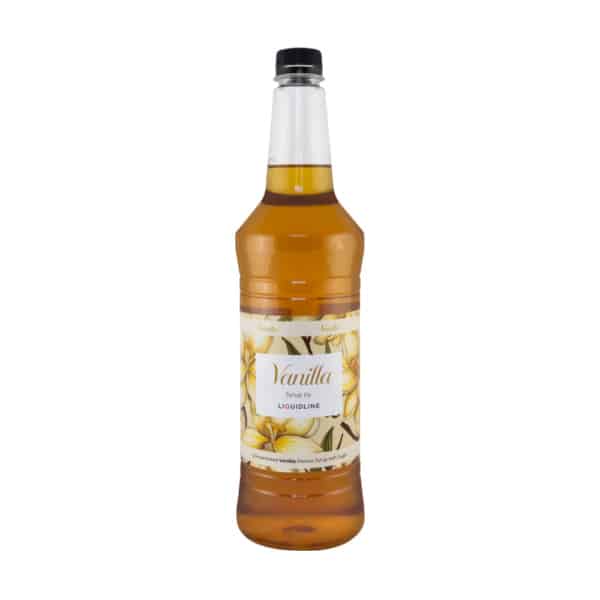
Liquidline Vanilla Coffee Syrup

Yorkshire Tea 200 Bags

Yorkshire Tea 100 Bags

Clipper Tagged Tea
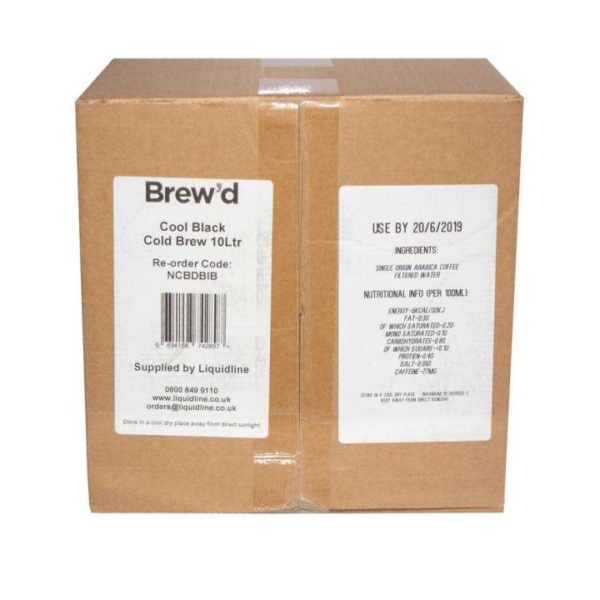
Nitro Brew’d Bag in Box Coffee
To request a call back, please fill in the form with your enquiry, and we will get back to you.